
Microsoft Copilot for Beginners: How to Get Started
Learn how to use Microsoft Copilot as a beginner, including its free features, prompting tips, image creation, web research, limitations, and Microsoft 365 options.
Learn how to use Microsoft Copilot as a beginner, including its free features, prompting tips, image creation, web research, limitations, and Microsoft 365 options.
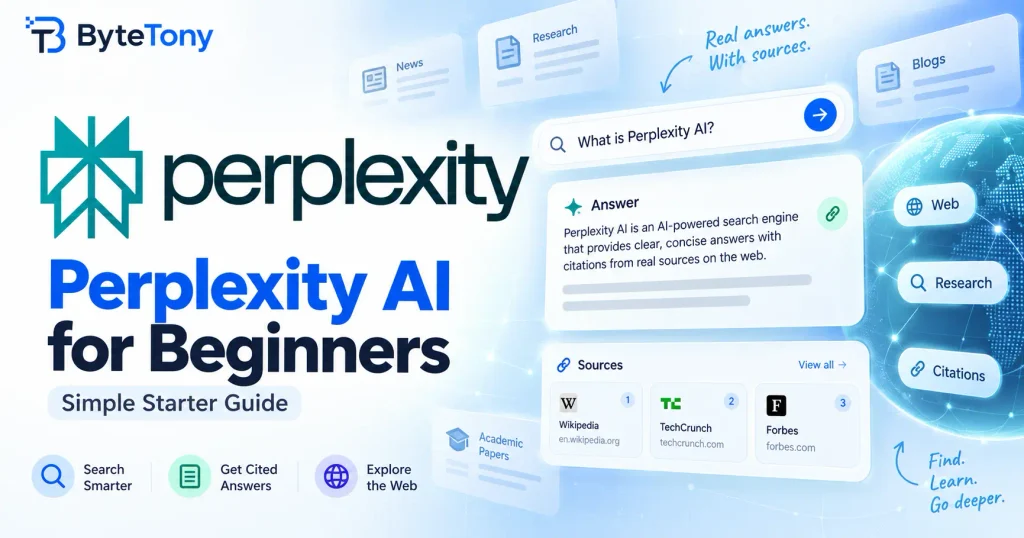
Learn how to use Perplexity AI for research, cited answers, follow-up questions, and file analysis, plus the key differences between Free and Pro.
Learn how to use Claude AI for beginners with this step-by-step guide. Create an account, write better prompts, upload files, use Projects, and avoid common mistakes.
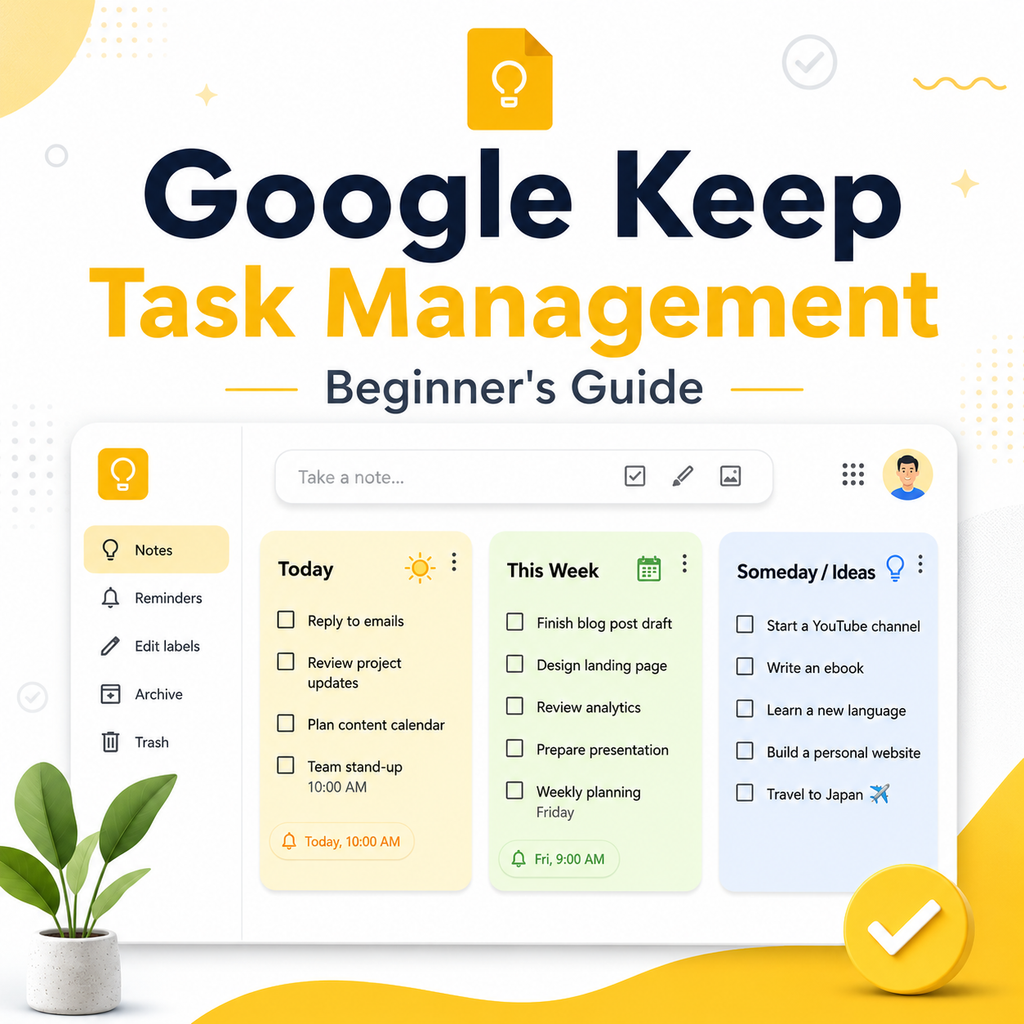
Learn how to use Google Keep for task management with a simple 3-note system, labels, checklists, reminders, and practical tips for beginners.
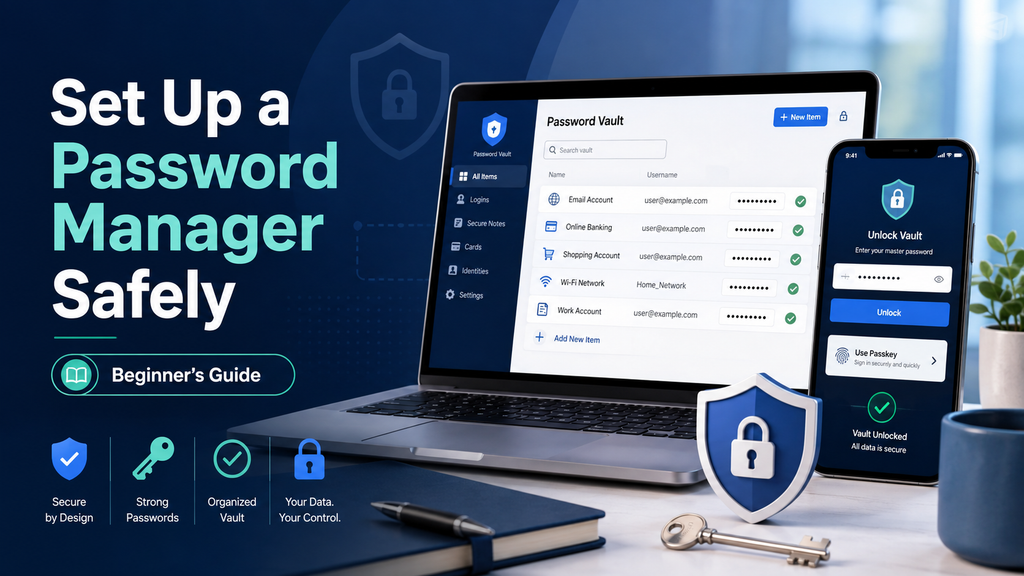
Learn how to set up a password manager safely, create a strong master password, enable 2FA, import passwords securely, and avoid common mistakes.
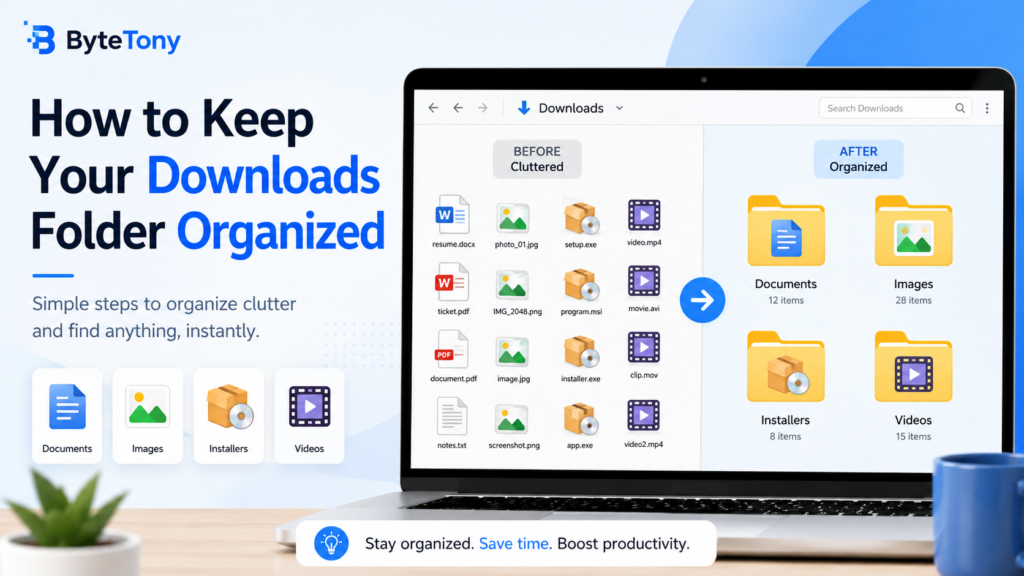
Learn three simple ways to organize your Downloads folder, remove unnecessary files, and make important documents easier to find.
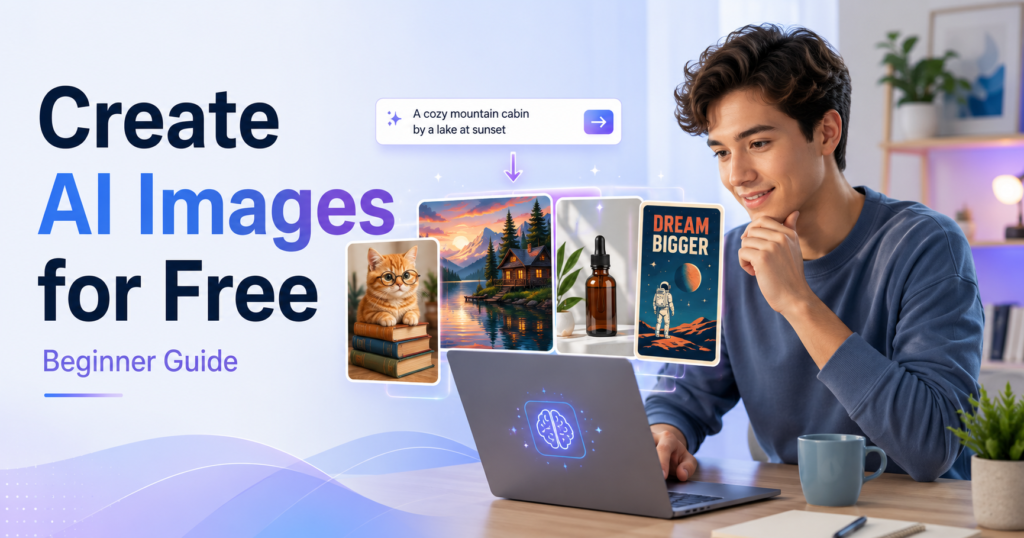
Learn how to create AI images for free with beginner-friendly tools. Compare Bing Image Creator, Gemini, Leonardo.Ai, Ideogram, and Canva, then create your first image step by step.
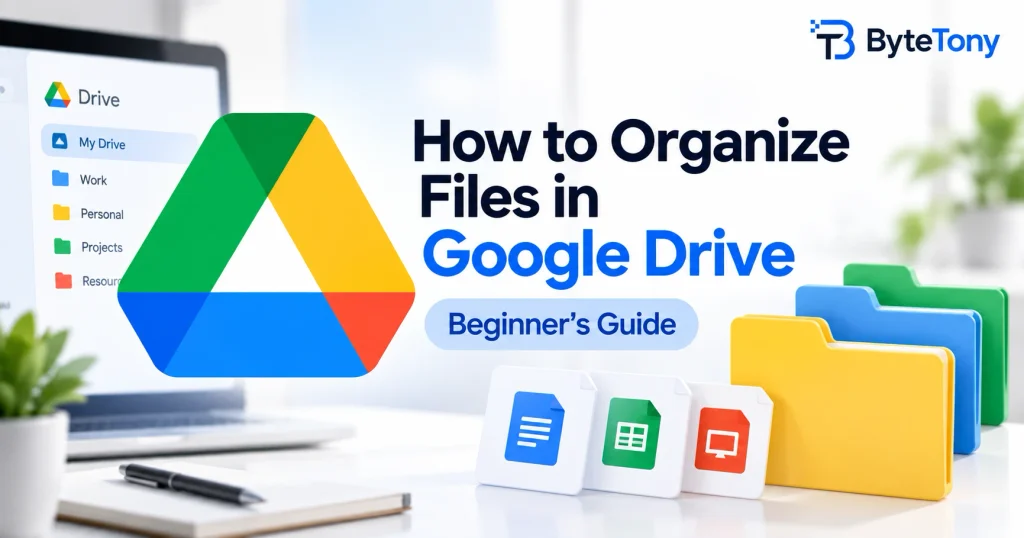
Learn how to organize files in Google Drive with a simple folder structure, consistent file names, shortcuts, colors, and an easy weekly cleanup routine.