
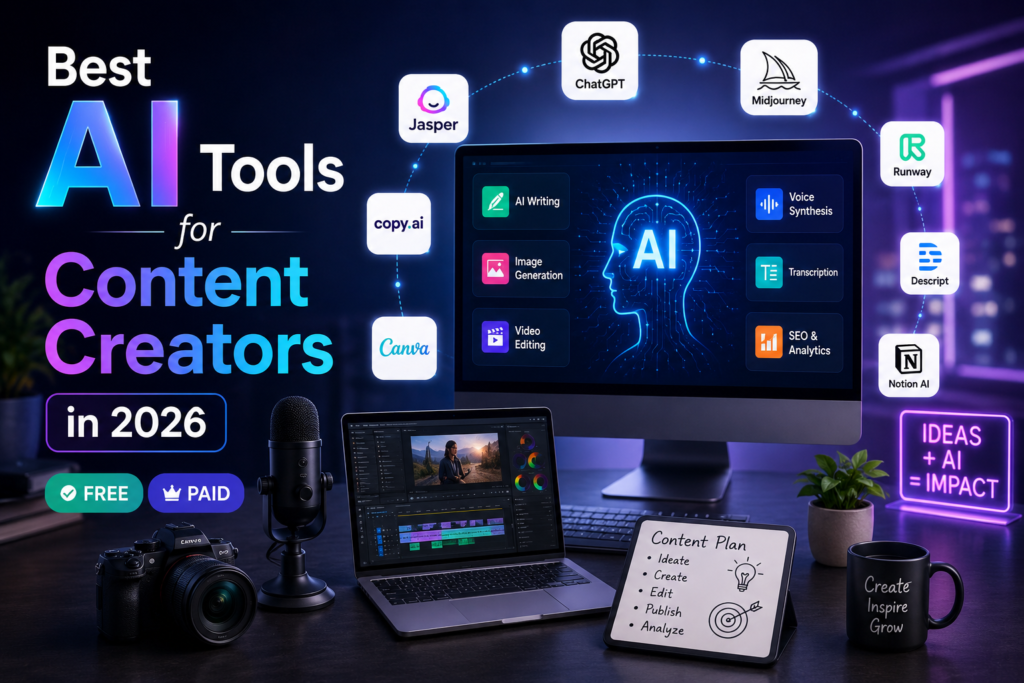
Best AI tools for content creators can help writers, bloggers, YouTubers, designers, and marketers create better content faster in 2026.
If you create content for a living, or even just on the side, 2026 is a strange and busy moment. You’re expected to publish more, across more platforms, in more formats, than ever before. A single idea now has to become a script, a video, a thumbnail, a voiceover, and a handful of captions before lunch.
The good news is that AI tools have quietly taken over most of the repetitive parts of that process. The bad news is that there are now so many tools competing for your attention that picking the right ones feels like its own full-time job.
This guide cuts through that. We’ve grouped the most genuinely useful AI tools for content creators into six categories: writing, video, voiceover, image generation, SEO, and productivity. For each one, you’ll get a plain-English explanation of what it does, who it’s actually good for, and where it falls short — no inflated claims, just what to expect.
Affiliate disclosure: This article contains affiliate links. If you make a purchase through one of these links, ByteTony may earn a commission at no additional cost to you.
Table of Contents
Why AI Tools Matter for Content Creators in 2026
A few years ago, “using AI” in your workflow meant running a single chatbot for blog ideas. Now it’s closer to having a small production team built into your laptop: a writer, an editor, a voiceover artist, and a graphic designer, all available on demand.
That shift matters because audience expectations haven’t slowed down. Short-form platforms reward frequency. Algorithms favor creators who post consistently across multiple channels. AI tools don’t replace the creative judgment that makes content actually good, but they remove a lot of the time-consuming groundwork that used to stand between an idea and a finished post.
Who This Guide Is For
This list is built with beginners and independent creators in mind — people producing short-form video, blog content, or multi-platform campaigns without a large team behind them. If you’re a solo creator, a freelancer, or part of a two- or three-person content operation, these tools are picked for accessibility and practical day-to-day use, not enterprise-scale production.
Quick Comparison: Best AI Tools for Content Creators in 2026
| Tool | Category | Best For | Free Plan |
|---|---|---|---|
| ChatGPT | Writing | General scripting and brainstorming | Yes |
| Claude | Writing | Long-form, structured scripts | Yes |
| Jasper AI | Writing | Branded marketing copy at scale | No |
| CapCut | Video | Short-form video editing | Yes |
| Descript | Video | Text-based video editing | Yes |
| Runway | Video | AI-generated video effects | Yes (limited) |
| ElevenLabs | Voiceover | Multilingual AI voiceovers | Yes (non-commercial) |
| Murf AI | Voiceover | Simple, studio-style voiceovers | Yes (limited) |
| Midjourney | Image | High-end, realistic thumbnails | No |
| Leonardo.ai | Image | Accessible AI image generation | Yes (daily tokens) |
| Canva | Image/Design | All-in-one design and thumbnails | Yes |
| Surfer SEO | SEO | On-page content optimization | No |
| Ubersuggest | SEO | Beginner-friendly keyword research | Yes (limited) |
| Notion AI | Productivity | Content planning and briefs | Yes (add-on) |
| Buffer / Later | Productivity | Caption writing and scheduling | Yes (limited) |
With the overview out of the way, let’s look at each category in more detail.
Best AI Writing & Scripting Tools
Writing is usually where content creation starts, whether that’s a blog post, a video script, or a caption. These three tools cover most of what a creator needs without requiring any technical setup.
ChatGPT (OpenAI)
ChatGPT remains one of the most flexible entry points into AI-assisted writing. It can draft scripts, brainstorm video hooks, write captions, and rework the same idea into five different formats in a single session.
Pros:
- Works well for almost any writing task, from outlines to full drafts
- Free plan is genuinely usable for daily content work
- Large community means plenty of prompt examples and tutorials online
Cons:
- Output can feel generic unless you give it specific instructions, examples, or a defined tone to follow
Claude (Anthropic)
Claude tends to perform well on longer, more structured writing tasks — think detailed video scripts with timing notes, or affiliate content that needs to follow strict compliance language. It’s particularly good at sticking to formatting instructions across a long brief.
Pros:
- Strong at following detailed style and structure guidelines consistently
- Handles longer scripts and documents without losing the thread
- Free tier is sufficient for regular, non-heavy use
Cons:
- No built-in image or video generation, so it needs to be paired with other tools for a complete workflow
Jasper AI
Jasper is built specifically for marketing and brand content, with templates and a “brand voice” feature designed to keep tone consistent across a large volume of posts.
Pros:
- Brand voice settings help maintain consistency across many pieces of content
- SEO-focused writing modes built directly into the editor
Cons:
- No permanent free plan, which makes it a harder sell for creators just testing the waters
- Can feel like overkill if you’re only producing a handful of posts per week
Best AI Video Creation & Editing Tools
Video is where most short-form creators spend the bulk of their time, and it’s also where AI has made some of the most noticeable improvements over the last couple of years.
CapCut
CapCut has become something of a default choice for TikTok and Reels creators, largely because it combines AI auto-captions, trend-based templates, and straightforward editing in one app that works on both desktop and mobile.
Pros:
- Beginner-friendly interface, especially on mobile
- Auto-captioning saves a meaningful amount of editing time
- Free version covers most basic editing needs
Cons:
- Some effects, transitions, and stock assets are locked behind the paid Pro tier
Want to try CapCut? You can explore CapCut and see whether its editing workflow fits your content creation needs.
Descript
Descript takes a different approach to editing: instead of working on a timeline, you edit the transcript, and the video updates to match. Delete a sentence from the text, and that clip disappears from the video automatically.
Pros:
- One of the most intuitive editing methods for people who find timelines intimidating
- Useful for cutting filler words and “ums” almost instantly
Cons:
- The free plan adds a watermark and limits export quality, which pushes active users toward a paid tier fairly quickly
If text-based editing sounds easier than a traditional timeline, you can try Descript and see whether the workflow fits your videos or podcasts.
Runway
Runway leans into generative AI video — creating B-roll, applying motion effects, or doing green-screen-style background removal without a physical green screen.
Pros:
- Genuinely useful generative features that go beyond standard editing tools
- Good for creators experimenting with more visually ambitious content
Cons:
- Operates on a credit system that can be used up quickly with regular use, making costs harder to predict
Best AI Voiceover & Dubbing Tools
If you produce content for multiple language audiences, or just want to avoid recording your own voice for every video, AI voiceover tools have become a practical part of the workflow.
ElevenLabs
ElevenLabs is widely used for AI voiceovers and dubbing, with support for dozens of languages and both instant and professional-grade voice cloning. It’s a common choice for creators localizing video content, since the same script can be turned into multiple language versions without re-recording anything.
It’s worth noting upfront that the free plan is meant for testing rather than publishing. The free tier provides roughly ten minutes of high-quality text-to-speech per month, but it doesn’t include commercial usage rights and requires attribution in any public content. For anyone planning to monetize their videos, a paid plan starting at the Starter tier is the minimum requirement for commercial use.
Pros:
- Supports more than two dozen languages along with instant and professional voice cloning, which is genuinely useful for multilingual content
- Voice quality is generally considered among the most natural-sounding available
Cons:
- Free plan cannot be used for monetized or commercial content without upgrading
- The credit-based pricing system takes some getting used to, since usage is measured in characters rather than straightforward minutes
Want to experiment with AI voiceovers or multilingual dubbing? You can explore ElevenLabs and choose the plan that best fits your content workflow.
Murf AI
Murf takes a simpler approach, with a studio-style interface and more predictable plan structures. It won’t match ElevenLabs on language breadth, but for creators who mainly need clear, professional narration in a single language, it’s a lower-friction option.
Pros:
- Clean, straightforward interface aimed specifically at voiceover work
- Easier to predict costs compared to character-based credit systems
Cons:
- Smaller voice library and fewer supported languages than ElevenLabs
Best AI Image & Thumbnail Generators
A strong thumbnail can be the difference between a video getting clicked or scrolled past. These tools cover a range of budgets and skill levels.
Midjourney
Midjourney is generally regarded as one of the strongest tools for realistic, high-quality AI images, which makes it a solid choice for creators who want thumbnails that look genuinely professional.
Pros:
- Image quality and realism are consistently strong
- Good for creators who want a distinctive visual style across their channel
Cons:
- No free plan
- Operates mainly through Discord, which adds a learning curve for newcomers
Leonardo.ai
Leonardo offers a more accessible path to similar quality, with a standard web interface and a daily allowance of free tokens.
Pros:
- Free daily tokens make it realistic to use without paying right away
- Style controls allow for more consistent thumbnail branding over time
Cons:
- Free token limits run out quickly if you’re producing thumbnails daily
Canva (with AI tools built in)
Canva combines design templates with AI image generation in a single platform, which makes it a practical all-in-one option for creators who don’t want to juggle separate design and AI tools.
Pros:
- Combines layout, text, and AI image generation in one place
- Free plan is generous enough for regular use
Cons:
- AI-generated images are typically less photorealistic than dedicated tools like Midjourney
Best AI SEO & Research Tools
If part of your strategy involves blogging alongside video content, SEO tools help make sure that writing actually gets found.
Surfer SEO
Surfer scores your content against top-ranking pages for a given keyword, offering suggestions on structure, length, and related terms to include.
Pros:
- Real-time scoring makes optimization feel concrete rather than guesswork
Cons:
- No permanent free plan, which can be a barrier for a brand-new blog with no revenue yet
Ubersuggest
Ubersuggest offers a lighter, more affordable entry point into keyword research and basic SEO audits.
Pros:
- Free tier with limited daily searches is enough for early-stage keyword research
- Simple interface that doesn’t overwhelm beginners
Cons:Data depth and accuracy lag behind premium tools, so it’s better suited to early research than serious competitive analysis
Ahrefs
Ahrefs is one of the most popular SEO platforms for content creators, bloggers, and marketers. It helps users discover keywords, analyze competitors, and identify content opportunities that can drive more organic traffic.
Pros:
- Powerful keyword research tools
- Excellent competitor and backlink analysis
- Large database of SEO insights
Cons:
- Expensive for beginners
- No permanent free plan
Semrush
Semrush is an all-in-one marketing platform that combines SEO research, content planning, competitor analysis, and site auditing tools in a single dashboard.
Pros:
- Comprehensive SEO and marketing toolkit
- Useful keyword and competitor research features
- Helpful content optimization tools
Cons:
- Premium plans can be costly
- May feel overwhelming for complete beginners
Best AI Tools for Workflow & Productivity
The least glamorous part of content creation is staying organized, but it’s often what separates creators who post consistently from those who burn out.
Notion AI
Notion AI builds writing assistance directly into a workspace that can also house your content calendar, briefs, and ideas in one place.
Pros:
- Keeps planning and writing in the same tool instead of switching between apps
Cons:
- AI features typically require an add-on or paid plan on top of the base Notion subscription
Buffer / Later
These scheduling tools have added AI caption assistance on top of their existing multi-platform publishing features, which is useful for creators managing several accounts at once.
Pros:
- Combines caption writing with direct scheduling, cutting out a separate step
Cons:
- Free plans cap the number of connected accounts, which can be limiting once you’re publishing across more than two or three platforms
How to Choose the Right AI Tools for Your Content Style
There’s no single “correct” stack here. The right combination depends on your format, your budget, and how much time you have to learn new software.
If you’re just starting out, it’s worth resisting the urge to subscribe to everything at once. A practical beginner setup might look like a free writing tool (ChatGPT or Claude), a free video editor (CapCut), and a free-tier image tool (Leonardo or Canva). That combination covers the core production pipeline without any upfront cost.
As your content output grows and you start monetizing, that’s usually the point to consider paid upgrades — particularly for voiceover tools like ElevenLabs, where commercial use requires a paid plan, or SEO tools like Surfer, which become more valuable once you have actual traffic to optimize.
My Recommended AI Tool Stack for Beginners
If you’re just getting started, you don’t need to subscribe to every AI tool on the market. A simple beginner-friendly stack can cover almost every stage of content creation:
- ChatGPT → Writing, brainstorming, and scripting
- CapCut → Video editing and captions
- Canva → Thumbnails and social media graphics
- ElevenLabs → AI voiceovers and dubbing
- Ubersuggest → Basic keyword research and SEO
This combination covers nearly everything a beginner content creator needs while keeping costs low. As your content grows, you can gradually upgrade to more advanced tools based on your workflow and budget.
Conclusion
There isn’t one perfect AI tool that does everything well, and that’s probably a good thing. The tools in this guide are built for different parts of the process: writing, editing, voicing, designing, optimizing, and scheduling. The goal isn’t to automate creativity out of the equation, but to clear away the repetitive work that slows creators down.
Start small, test the free plans, and build your stack around the formats you actually publish most. The right combination of tools will look different for a blogger than it does for a short-form video creator, and that’s fine.
You can also explore more beginner-friendly AI tools guides on ByteTony.
Frequently Asked Questions
What are the best free AI tools for content creators in 2026?
ChatGPT, Claude, CapCut, Descript, Canva, and Ubersuggest all offer usable free plans that cover writing, editing, design, and basic SEO research without any upfront cost.
Can AI tools fully replace a content creator?
No. AI tools handle repetitive production tasks like drafting, editing, and basic design, but creative direction, storytelling, and audience judgment still come from the creator.
Which AI tool is best for beginners with no editing experience?
Descript is a strong starting point for video editing, since it lets you edit by deleting text from a transcript rather than working with a traditional timeline.
Are AI-generated voiceovers good enough for professional content?
Tools like ElevenLabs produce voiceovers that are widely used in professional and commercial video content, though it’s worth checking platform disclosure requirements for synthetic voices and confirming your plan includes commercial usage rights.
How do I avoid sounding “robotic” when using AI writing tools?
Give the tool specific instructions about tone, audience, and structure rather than a vague prompt, and edit the output afterward rather than publishing it untouched.
Do AI tools work for non-English content creation?
Many do. Writing tools like ChatGPT and Claude support multiple languages, and voiceover tools like ElevenLabs are specifically built for multilingual dubbing and localization.
The best AI tools for content creators are the tools that fit your workflow, budget, and content goals.
Enjoyed this guide? Support ByteTony and help us create more simple, beginner-friendly tech guides.
☕ Support ByteTony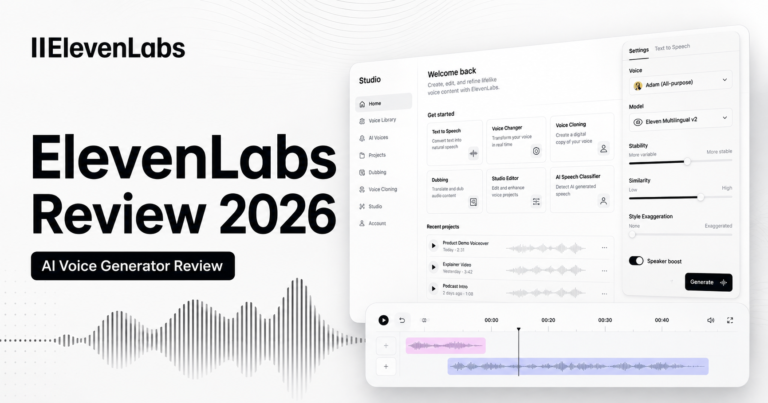

Pingback: AI YouTube Thumbnail Makers: 5 Best Picks for Beginners
Pingback: 7 Best Proxies for Rank Tracking & SERP Checks
Pingback: Proxy-Seller Review 2026: Is It Worth It for Beginners?