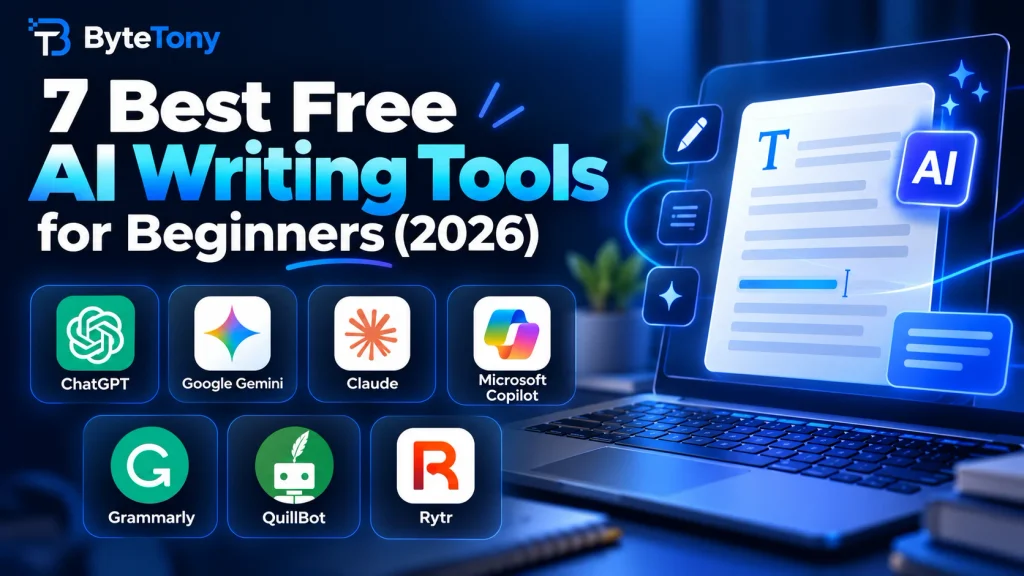
The best free AI writing tools for beginners depend on the job: drafting, researching, polishing, or rewording. Below, you’ll see which tool fits each task and what its free plan actually allows. Only tools with an ongoing free plan are included, not tools that offer only a temporary trial. That leaves out Notion AI, whose Free and Plus plans provide only a limited AI trial (Verified: October 2026).
Note: This article may contain affiliate links. If you buy through them, we may earn a small commission at no extra cost to you.
Table of Contents
| Tool | Best for | Free-plan limit | Biggest catch |
|---|---|---|---|
| ChatGPT | All-round first drafts | Unlimited everyday text chats; tools have separate limits | Ads may appear in eligible regions |
| Google Gemini | Research-heavy drafts | Usage limits refresh periodically; Deep Research included | Gemini in Gmail and Docs is paid |
| Claude | Long pieces and editing | Limited usage that varies by conversation and features | Long chats, files and tools use the allowance faster |
| Microsoft Copilot | Windows and Edge users | Free; sign-in unlocks more features | Copilot in Word needs Microsoft 365 |
| Grammarly | Polishing text | Grammar fixes, tone detection and 100 AI prompts per month | Advanced rewrites are Pro-only |
| QuillBot | Rewording short passages | Up to 125 words per paraphrase, 2 free modes | Not designed for long documents |
| Rytr | Short template copy | 10,000 characters per month, no card needed | Too small for full blog posts |
(Verified: October 2026)
Note: Free-plan features and limits can change. Check each tool’s official website for the latest details.
How We Chose the Best Free AI Writing Tools for Beginners
For this list of the best free AI writing tools for beginners, we focused on tools that offer an ongoing free option, are easy to use, and solve a clear writing task without requiring a paid subscription to get started.
1. ChatGPT
ChatGPT is the strongest all-round option for first drafts such as outlines, emails and captions. The free plan includes unlimited everyday text chats with GPT-5.6 Luna, while uploads, image creation, voice and deep research have separate limits.
Ads may appear for free users in eligible regions. Where the option is available, users can choose an ad-free mode with lower usage limits and reduced feature access (Verified: October 2026).
For better results, include your audience, goal and target word count in the prompt. If you want to compare ChatGPT with its main competitors, see our ChatGPT vs Gemini vs Claude for Beginners comparison.
2. Google Gemini
Gemini suits research-heavy drafts. Its free plan includes Gemini 3.6 Flash, varying access to 3.1 Pro, and Deep Research. Usage limits refresh periodically and can also be subject to weekly caps.
The free Gemini app is separate from the AI writing features built into Gmail and Google Docs, which require an eligible paid Google AI plan (Verified: October 2026).
3. Claude
Claude is a good fit for longer pieces and for editing your own draft so it reads more naturally.
Claude Free does not have a simple fixed message allowance. Usage varies depending on message length, conversation length, attachments and the features you use. Long chats, files and more complex tasks can use your allowance faster (Verified: October 2026).
4. Microsoft Copilot
Copilot makes sense for Windows and Edge users who want an assistant that’s already easy to access. You can use it for free without signing in, and its answers can draw on current web search.
Signing in with a Microsoft account adds features such as chat history, image creation, longer conversations and voice. Ads may appear for users without a Microsoft 365 subscription, while using Copilot directly inside Word requires an eligible Microsoft 365 plan (Verified: October 2026).
5. Grammarly
Grammarly is better used as an editor than as your main drafting tool. Use it to polish text you wrote yourself or generated with another AI tool.
The free plan includes spelling and grammar corrections, tone detection and 100 AI prompts per month. More advanced rewriting and tone-adjustment features require Grammarly Pro (Verified: October 2026).
It works in major browsers and can also help with writing in Google Docs and Microsoft Office.
6. QuillBot
QuillBot is built for rewording an awkward sentence or short paragraph. The free version lets you paraphrase up to 125 words at a time using the Standard and Fluency modes (Verified: October 2026).
It works best for short passages rather than entire articles, so you may need to process longer text section by section.
7. Rytr
Rytr produces short marketing copy such as emails, SEO meta titles and social media captions using ready-made use cases, so beginners do not need to build detailed prompts.
Its free plan provides 10,000 characters per month with no credit card required (Verified: October 2026). That allowance is useful for occasional short-form writing but is too limited for regularly creating full blog posts.
My Recommendation
For most beginners, start with ChatGPT for drafting and Grammarly Free for polishing. This combination covers most everyday writing tasks without requiring a subscription.
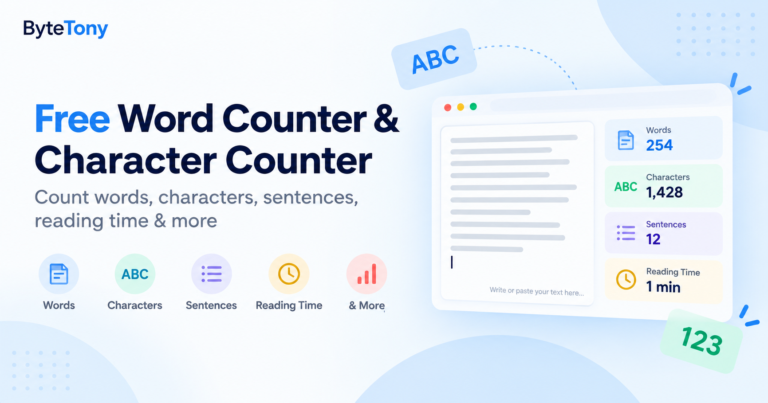
If you’re writing longer articles, you can also check the length of your draft with the free ByteTony Word Counter before publishing.
FAQ
Can I publish AI-written blog posts on my site?
Yes. According to Google Search’s official guidance on AI-generated content, using AI is not automatically against Google’s guidelines. The problem is using automation primarily to manipulate search rankings. Always edit, fact-check and add useful original value before publishing.
Is it safe to paste client or personal information into free AI tools?
Be cautious. Some AI services provide controls that let users limit how their conversations are used to improve models, but privacy settings differ between services. Avoid putting passwords, confidential client information or other sensitive data into prompts unless you understand the provider’s data policy.
Conclusion
The best free AI writing tools for beginners do not need to replace your entire writing process. For most people, one free chatbot for drafting and one free editor for polishing are enough.
Choose the tool that matches your main writing task, try it on a real project, and upgrade only if the free limits genuinely get in your way.
Enjoyed this guide? Support ByteTony and help us create more simple, beginner-friendly tech guides.
☕ Support ByteTony