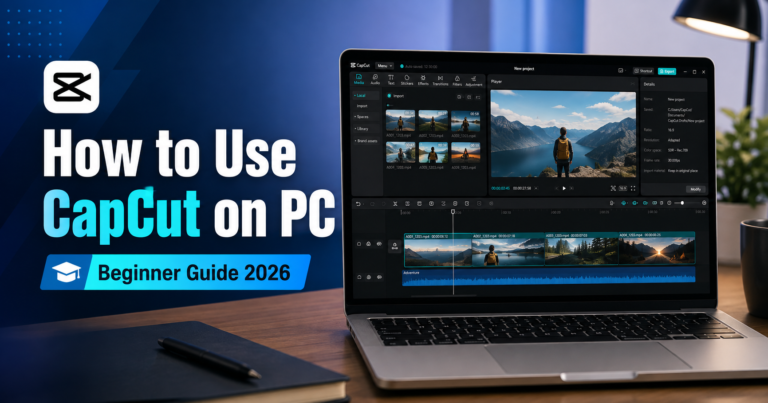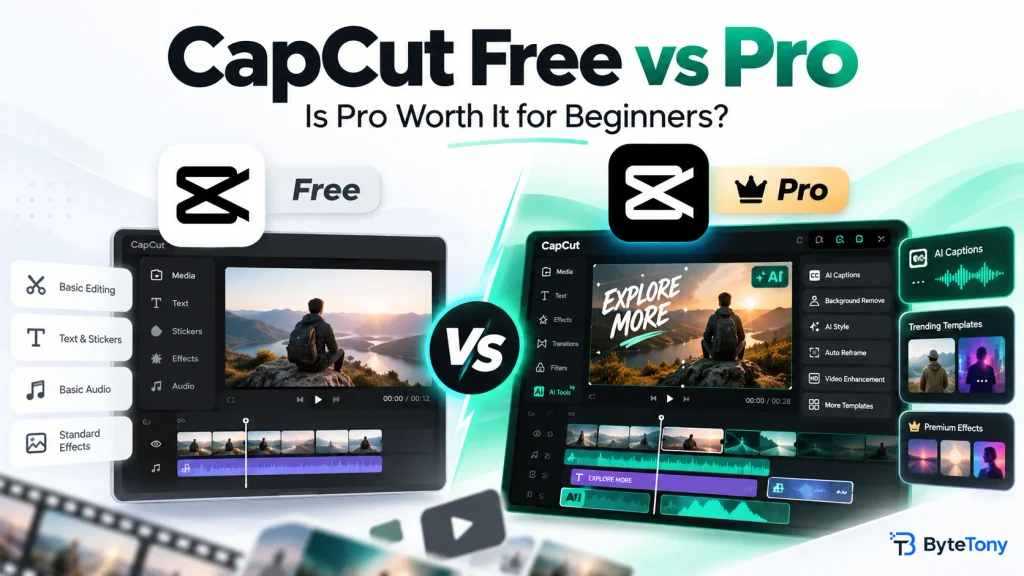
CapCut Free vs Pro comes down to what you actually need. Most beginners can create and export social media videos without paying. Pro becomes worthwhile when premium tools, export restrictions, or advanced editing needs start slowing you down.
CapCut offers different subscription plans, and prices and features can vary by region and platform. Here’s how to choose without paying for features you won’t use.
Affiliate disclosure: This article contains affiliate links. If you purchase through them, we may earn a commission at no extra cost to you.
Last checked: October 23, 2026. Features and pricing may change.
Table of Contents
CapCut Free vs Pro: Quick Comparison
| Feature | Free | Pro |
|---|---|---|
| Price | $0 | $19.99/month or $179.99/year (US reference prices) |
| Templates & effects | Free assets | Premium templates and effects |
| Watermark | Usually watermark-free with free assets; some restrictions apply | Premium watermark-free export options |
| Export quality | Depends on device, platform, and account | Premium export options, including 4K/60fps where supported |
| AI tools | Basic features; availability varies | Advanced AI features and 1,200 monthly credits |
| Cloud storage | Varies by account | Up to 1 TB |
| Cross-platform premium features | Limited | Mobile, desktop, and web |
For beginners, the biggest differences are premium assets, export restrictions, and advanced AI tools. If your videos export correctly with Free, upgrading may not be necessary.
What Can You Do With CapCut Free?
CapCut Free includes basic video editing tools, free templates, transitions, and effects. It’s usually enough for TikTok videos, Instagram Reels, and YouTube Shorts.
However, some limitations can affect your workflow:
- Watermarks: Videos made with free assets can often be exported without a watermark. Some templates include an ending clip you can remove, while other export restrictions may apply.
- Pro assets: Effects, templates, and other items marked “Pro” may trigger an upgrade prompt. Remove or replace them to continue using Free.
- Export quality: Available resolutions and frame rates depend on your device and platform. Some free accounts can export in 4K, but restrictions may apply.
For example, if you’re creating simple 1080p TikTok videos with free effects, CapCut Free is usually sufficient.
Before publishing, check your timeline for Pro items, review the ending, and test your export.
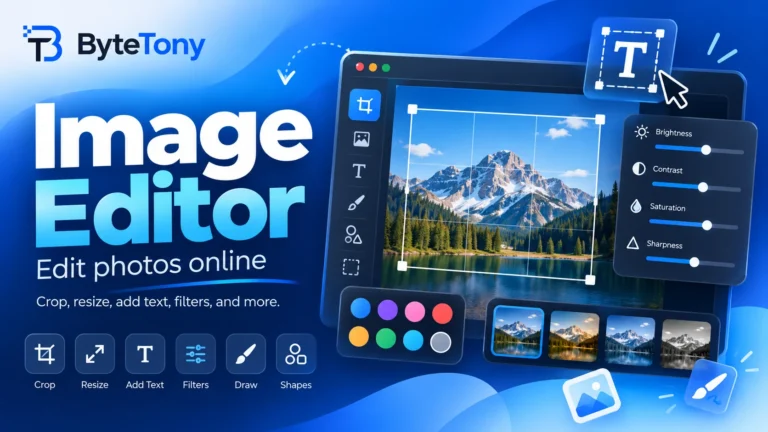
You can also prepare thumbnails or cover images separately using ByteTony’s free Image Editor.
What Do You Get With CapCut Pro?
CapCut Pro adds premium editing features for creators who need more flexibility.
Its main benefits include:
- Advanced AI tools, including camera tracking, premium caption features, AI avatars, and AI image and video generation
- Premium export options, including 4K/60fps on supported devices
- 1,200 monthly AI credits on the listed Pro plan, with additional credits available for purchase
- Up to 1 TB of cloud storage
- Access to premium templates, effects, and eligible commercial-use materials
- Premium editing features across mobile, desktop, and web
Some basic AI capabilities, including automatic captions, may also be available without Pro. Advanced features and credit requirements vary.
How Much Does CapCut Pro Cost?
CapCut lists reference prices of $19.99 per month or $179.99 per year (approximately $15 per month when billed annually).
These are not guaranteed prices for every user. Your final subscription cost depends on your region, purchase platform, taxes, and available promotions.
If you expect to subscribe for ten months or longer at these reference prices, the annual plan costs less than paying monthly.
CapCut also offers a Standard plan in some app stores. It is primarily designed for casual mobile editing, with basic AI tools and approximately 100 GB of storage. It does not provide the same premium cross-platform features as Pro.
Check CapCut Pro Plans and Current Pricing before subscribing.
Can You Try CapCut Pro for Free?
Eligible new subscribers in supported regions may receive a 7-day free trial.
Availability depends on your account, location, and app version. A payment method may be required, and the subscription can renew automatically after the trial.
Check the renewal date and cancel at least 24 hours beforehand if you don’t want to continue. Refunds are generally limited and depend on applicable policies.
Is CapCut Pro Worth It for Beginners?
For most beginners, CapCut Free is the better starting point.
Choose based on your workflow:
- Stay on Free if you edit simple social media videos using free templates and standard export settings.
- Consider Standard if you mainly edit on your phone and want additional storage or basic AI tools.
- Choose Pro if you regularly use premium effects, need advanced AI features, work across devices, or require premium export settings.
If you’re editing videos for clients, Pro may save time. However, a paid subscription does not automatically make every template, sound, or asset suitable for commercial use.
If you’re also considering other editing software, read our CapCut vs DaVinci Resolve comparison before deciding.
Frequently Asked Questions
Does CapCut Free add a watermark?
Not necessarily. Many videos using free tools and assets can be exported without a watermark. Some templates include removable ending clips, while Pro materials or certain export settings may introduce restrictions.
What happens if I cancel CapCut Pro?
Your existing projects generally remain accessible, but projects containing Pro-only materials may require you to renew or remove those materials before exporting.
Your cloud storage allowance may also decrease. Back up important files before your subscription ends.
Can I use CapCut for commercial or client videos?
Yes, provided you have the necessary rights to every asset used.
CapCut distinguishes between personal-use Sounds and Commercial Sounds. Commercial Sounds have platform-specific restrictions, and using them outside CapCut, TikTok, or TikTok for Business may require additional licensing.
Only use materials whose licenses permit your intended commercial use. Review the official CapCut Materials License Agreement before publishing client or promotional content.
Is CapCut Pro necessary for YouTube Shorts?
No. Most beginners can create YouTube Shorts using CapCut Free. Pro becomes useful if your workflow requires premium effects, advanced AI tools, or export settings unavailable on your free account.
Conclusion
CapCut Free vs Pro isn’t about which plan has more features. It’s about whether those features improve the videos you actually create.
Start with Free, test your editing workflow, and upgrade only when a specific limitation makes Pro worthwhile.
If you’re interested, check CapCut Pro’s available plans and see whether your account qualifies for a free trial before committing to a subscription.
Enjoyed this guide? Support ByteTony and help us create more simple, beginner-friendly tech guides.
☕ Support ByteTony