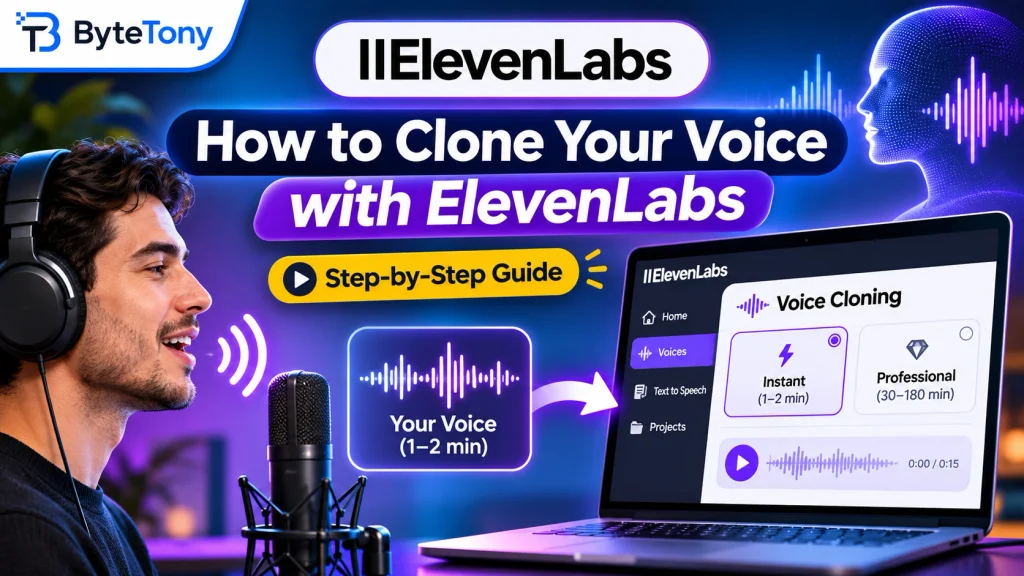
Want to know how to clone your voice with ElevenLabs? With a clean 1–2 minute recording, you can create an AI version of your voice and generate speech from any text you type. This guide walks you through Instant Voice Cloning, the settings that matter, and when Professional Voice Cloning is worth considering.
Affiliate disclosure: This article contains affiliate links. If you make a purchase through them, ByteTony may earn a commission at no additional cost to you.
Table of Contents
Instant vs. Professional Voice Cloning
ElevenLabs offers two ways to clone your voice:
| Instant | Professional | |
|---|---|---|
| Audio needed | 1–2 minutes recommended | 30–180 minutes recommended |
| Ready in | Almost immediately | Usually 3–6 hours |
| Required plan | Starter or higher | Creator or higher |
| Best for | Short voiceovers, everyday content | Long-form narration, distinctive voices and accents |
Instant Voice Cloning is the easiest starting point for most creators. Professional Voice Cloning trains a dedicated model for greater accuracy and requires voice verification. It can only be used to clone your own voice.
If you want a broader comparison of features, subscription plans, and commercial rights, read our ElevenLabs Review.
What You Need Before You Start
Before creating your voice clone, prepare the following:
- A paid ElevenLabs plan. Instant Voice Cloning starts with Starter, normally $6/month, while Professional requires Creator or higher. The Free plan doesn’t include voice cloning. You can get started with ElevenLabs.
- 1–2 minutes of clean audio. Record one speaker without background noise, music, reverb, or long silences. Recording quality matters more than length, and going beyond 2–3 minutes usually offers little benefit for Instant cloning.
- A consistent speaking style. Speak naturally at a steady volume, using the accent, tone, and delivery you want the clone to reproduce.
- A suitable audio file. ElevenLabs recommends MP3 at 192 kbps or higher, although other formats are accepted. WAV doesn’t necessarily improve cloning quality.
- Permission to clone the voice. Use your own voice or one you’re authorized to use under ElevenLabs’ rules. Never clone someone’s voice for impersonation or deception.
For additional recording tips, see the official ElevenLabs Instant Voice Cloning documentation.
How to Clone Your Voice with ElevenLabs in 3 Steps
Step 1: Upload or Record Your Voice
Sign in to ElevenLabs and follow these steps:
- Open Voices from the dashboard.
- Click the plus (+) icon.
- Select Instant Voice Clone.
- Upload your recording or record directly in your browser.
Each uploaded file must be at least 5 seconds long, with a combined minimum of 10 seconds. However, 1–2 minutes of clear speech generally produces better results.
Step 2: Name and Save Your Voice
Give your clone a recognizable name, such as “Tony – Narration.”
Add optional labels, confirm that you have the required rights and consent to use the recording, and click Save voice.
Your Instant Voice Clone should become available almost immediately.
Step 3: Test and Adjust Your Voice Clone
Open Voices → My Voices, select your clone, and click Use voice.
Enter a short script that wasn’t included in your original recording, then generate speech to hear how closely the result matches your voice.
For models that offer the standard voice settings, ElevenLabs recommends starting around:
- Stability: 50 — Balances consistent delivery with emotional variation. Lower values allow more expression but can sound less predictable.
- Similarity: 75 — Controls how closely generated speech resembles your original voice.
- Style: 0 — Avoids excessive style exaggeration that could reduce audio quality.
These are starting points, not guaranteed ideal settings. Available controls vary by model, so adjust one setting at a time and compare the results.
Before generating longer voiceovers, you can use ByteTony’s free Text Cleaner to remove unwanted spaces and formatting from your script. Then check its length and estimated speaking time with our Word Counter & Character Counter.
If your cloned voice sounds inaccurate, try recording a cleaner sample with more consistent pronunciation and delivery. You cannot directly change a clone’s original accent or tone after creation, so creating a new clone from better audio may help.
If Instant Voice Cloning still struggles with your accent or vocal characteristics, consider Professional Voice Cloning.
Frequently Asked Questions
Is ElevenLabs Voice Cloning Free?
No. ElevenLabs offers a Free plan for testing features such as text-to-speech, but voice cloning requires a paid subscription.
Instant Voice Cloning starts with Starter, normally $6/month. Professional Voice Cloning requires Creator or higher. Promotional pricing and plan details may change.
Can I Use My Cloned Voice for YouTube Videos?
Yes. You can generate narration for YouTube videos, podcasts, tutorials, and other content using your cloned voice.
The Starter plan includes a commercial license, making it suitable for many monetized projects, subject to ElevenLabs’ terms and applicable restrictions.
For more tools that can complement your voiceover workflow, explore our guide to the Best AI Tools for Content Creators.
Can My Cloned Voice Speak Other Languages?
Yes. Select a model that supports your target language and enter your script in that language.
However, pronunciation and accent accuracy depend on the model and your original recording. A clone created from English audio may not reproduce every aspect of natural French, Spanish, or other-language speech.
Can I Download My ElevenLabs Voice Clone?
You can download generated speech as audio files, including MP3 or WAV.
However, you cannot export the underlying voice clone as a standalone model or file. It remains in your ElevenLabs account, although supported third-party applications can access it through the ElevenLabs API.
Keep your original recordings in case you need to recreate the clone later.
Conclusion
Learning how to clone your voice with ElevenLabs is straightforward: prepare a clean recording, create an Instant Voice Clone, and adjust the speech settings until the results sound natural.
For most beginners, Instant Voice Cloning on the Starter plan is a practical place to begin. Professional Voice Cloning is worth considering when you need greater voice accuracy, especially for longer narration or distinctive accents.
Ready to create your first AI voice? Try ElevenLabs and explore its voice cloning features.
Enjoyed this guide? Support ByteTony and help us create more simple, beginner-friendly tech guides.
☕ Support ByteTony