Image Compressor by ByteTony lets you compress JPG, PNG, and WebP images online for free while keeping your files private in your browser.
🔒 Privacy: Your images are processed directly in your browser. ByteTony does not upload or store them.
Free Image Compressor
ByteTony Image Compressor helps you reduce the file size of JPG, PNG, and WebP images directly in your browser. You can compress one or multiple images, adjust the quality, choose a target file size, and select the output format.
No account or installation is required, and your images are processed locally in your browser.
How to Compress an Image
- Add your image by dragging, choosing, or pasting it.
- Choose Quality or Target file size.
- Select the output format if needed.
- Click Compress Images.
- Download your compressed image.
Why Compress Images?
Smaller images can load faster on websites and are easier to upload, share, and send. The tool is useful for blog images, website graphics, social media posts, screenshots, and other everyday images.
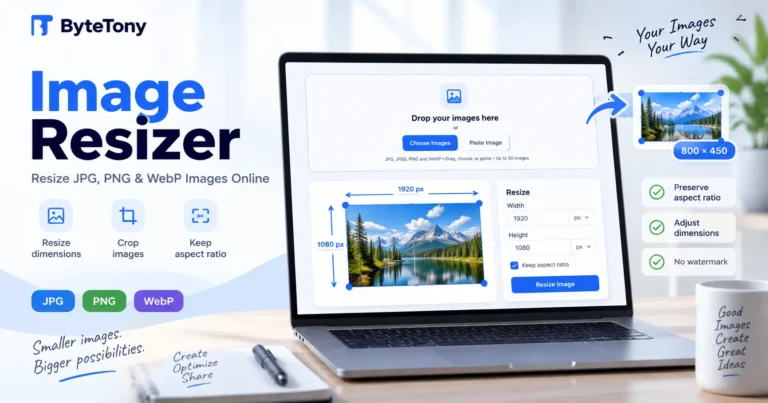
Need to change the dimensions too? Try the ByteTony Image Resizer, or explore more free ByteTony tools.