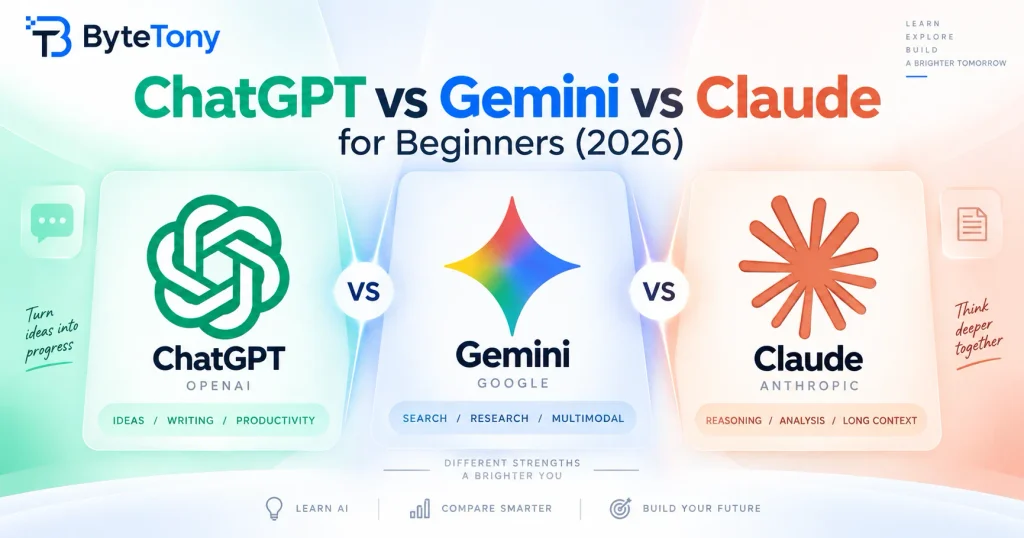
ChatGPT vs Gemini vs Claude for Beginners is a practical comparison of three of the best-known AI assistants. If you’re new to AI, this guide compares their free access, paid pricing, key strengths, and who each one suits. All three offer ongoing free access, but their limits and features differ, so the right choice depends on what you want to do and which apps you already use.
If you’re mainly deciding between OpenAI and Anthropic, our ChatGPT vs Claude for Beginners comparison takes a closer look at those two assistants.
Note: This article may contain affiliate links. If you buy through them, we may earn a small commission at no extra cost to you.
Table of Contents
ChatGPT vs Gemini vs Claude for Beginners: Quick Comparison
Here’s how the three assistants compare.
| Feature | ChatGPT | Gemini | Claude |
|---|---|---|---|
| Free plan | Yes. Unlimited everyday text chats; limited uploads, images, voice, and deep research | Yes. Deep Research, image generation, Gems, and Connected Apps with usage limits | Yes. Web search, memory, file creation, Artifacts, and up to 5 Projects |
| Paid plans from | Go $8/mo; Plus $20/mo | AI Plus $9.99/mo; AI Pro $19.99/mo | Pro $20/mo ($17/mo billed annually) |
| Standout strength | Broad mix of chat, images, voice, and research | Google apps and storage integration | Writing and long-document workflows |
| Main limitation | Free uploads and advanced tools have tighter limits | Free usage is compute-based and capped | No traditional AI photo or illustration generation |
| Best for | General everyday AI use | Google users | Writers and long documents |
(Verified: September 2026. Prices are US list prices and may vary by region.)
Pricing and features change frequently, so check the official pricing pages before subscribing.
ChatGPT: The Versatile All-Rounder
ChatGPT’s free plan includes unlimited everyday text chats, subject to abuse guardrails. It also provides limited access to image generation, voice chats, deep research, web search, and file uploads. The free plan supports roughly 12 pages of text in a single default-model input, compared with about 40 pages on Go and Plus. You can check the latest details on OpenAI’s official ChatGPT pricing page.
ChatGPT Go costs $8 per month in the US and raises limits for tools, uploads, images, voice, and memory, although the plan may include ads. Plus costs $20 per month and adds advanced reasoning models, higher limits, expanded deep research, scheduled tasks, custom GPTs, and broader productivity features.
Best for: beginners who want one assistant for everyday chat, images, voice, files, and research.
Gemini: Best Fit for Google Users
The free Gemini app includes features such as Deep Research, image generation, Canvas, and Gems, which are customized versions of Gemini for repeat tasks. It can also connect to supported Google apps and services.
Google AI Plus costs $9.99 per month in the US and includes 2 TB of Google storage, Gemini in Gmail, and usage limits that are twice as high as the standard free limits. Google AI Pro costs $19.99 per month, includes 5 TB of storage, raises Gemini limits further, and expands Gemini integration across services such as Gmail and Docs. You can see the latest details on the official Google One plans page.
Gemini’s usage limits are based on computing use and refresh every five hours until you reach a weekly limit. More demanding features can use your allowance faster. The standard context window is 32K tokens, increasing to 128K with AI Plus and 1 million tokens with AI Pro.
Best for: people who already use Gmail, Drive, and other Google services and want AI integrated more closely with that ecosystem.
Claude: Strong for Writing and Long Documents
Claude’s free plan includes web search, memory, file creation and code execution, connectors, Artifacts, and up to five Projects. It is especially useful for writing and document-heavy tasks, while paid plans can support context windows of up to 1 million tokens on supported models.
Claude does not generate traditional AI photos or illustrations like ChatGPT and Gemini, although it can create diagrams, charts, and interactive visuals. Free usage works with a five-hour session limit, and the amount you can use varies depending on factors such as conversation length, files, tools, and model choice.
Claude Pro costs $20 per month, or $200 per year, which works out to about $17 per month. It provides more usage and access to additional models and features such as Research, Claude Code, Projects, and document-creation tools. Check Claude’s official pricing page for current details.
If Claude sounds like the best match for you, our beginner’s guide to using Claude AI explains how to get started step by step.
Best for: writers, bloggers, and people working with long documents who don’t need traditional AI image generation.
My Recommendation
- Best for most beginners: ChatGPT. It combines chat, images, voice, files, and research in one easy starting point.
- Best for Google users: Gemini. Its Google integrations, Deep Research, and image generation make it especially useful if you already rely on Google’s services.
- Best for writers and bloggers: Claude. Its writing tools, Projects, file creation, and support for large amounts of context make it well suited to document-heavy work.
- Tip: All three offer free access, so try the same real task in each before paying.
If writing is your main reason for using AI, you can also compare more options in our guide to the best free AI writing tools for beginners. After generating or editing an article, the free ByteTony Word Counter can quickly check its word and character count.
Conclusion
This ChatGPT vs Gemini vs Claude for Beginners comparison has a simple takeaway: there is no single assistant that fits everyone. ChatGPT is a flexible general-purpose choice, Gemini makes the most sense for people invested in Google’s ecosystem, and Claude is particularly useful for writing and long-document workflows.
Start by testing one assistant on a real weekly task, such as drafting a blog introduction, summarizing a document, or researching a topic. Then try the same task with the other two. The differences become much easier to understand once you compare them using your own workflow.
Enjoyed this guide? Support ByteTony and help us create more simple, beginner-friendly tech guides.
☕ Support ByteTony